Playtime rewards bot
Note
This bot was made for the Tank Game! game, as of 11/02/2026.
The code for this bot is available in https://github.com/Mews/pyrobloxbot-examples/blob/main/tank-game-playtime-rewards/main.py
The screenshots used for the bot were taken in a 1920x1080, 15.6 inch screen (see why this matters in the image recognition guide)
A lot of games give you rewards for playing the game for a certain time. We can use server hopping to automate farming these rewards.
We will make a bot for Tank Game!, to farm it’s playtime rewards.
The bot will have three steps:
Join a random server.
Afk for long enough to get the playtime rewards (while avoiding inactivity).
Use ui navigation to claim the rewards.
Repeat from step 1.
Server hopping
Lets work on step 1 first. We need to join a random server, and identify when we’ve actually joined the server.
The reason we need to wait to fully join is because the playtime only starts counting from that point. If we start counting from when we call pyrobloxbot.join_game() instead, we might try to collect the rewards too early.
When using image recognition, it is important to know what to check for. For example, when we finish joining the game, this is what might be on screen:
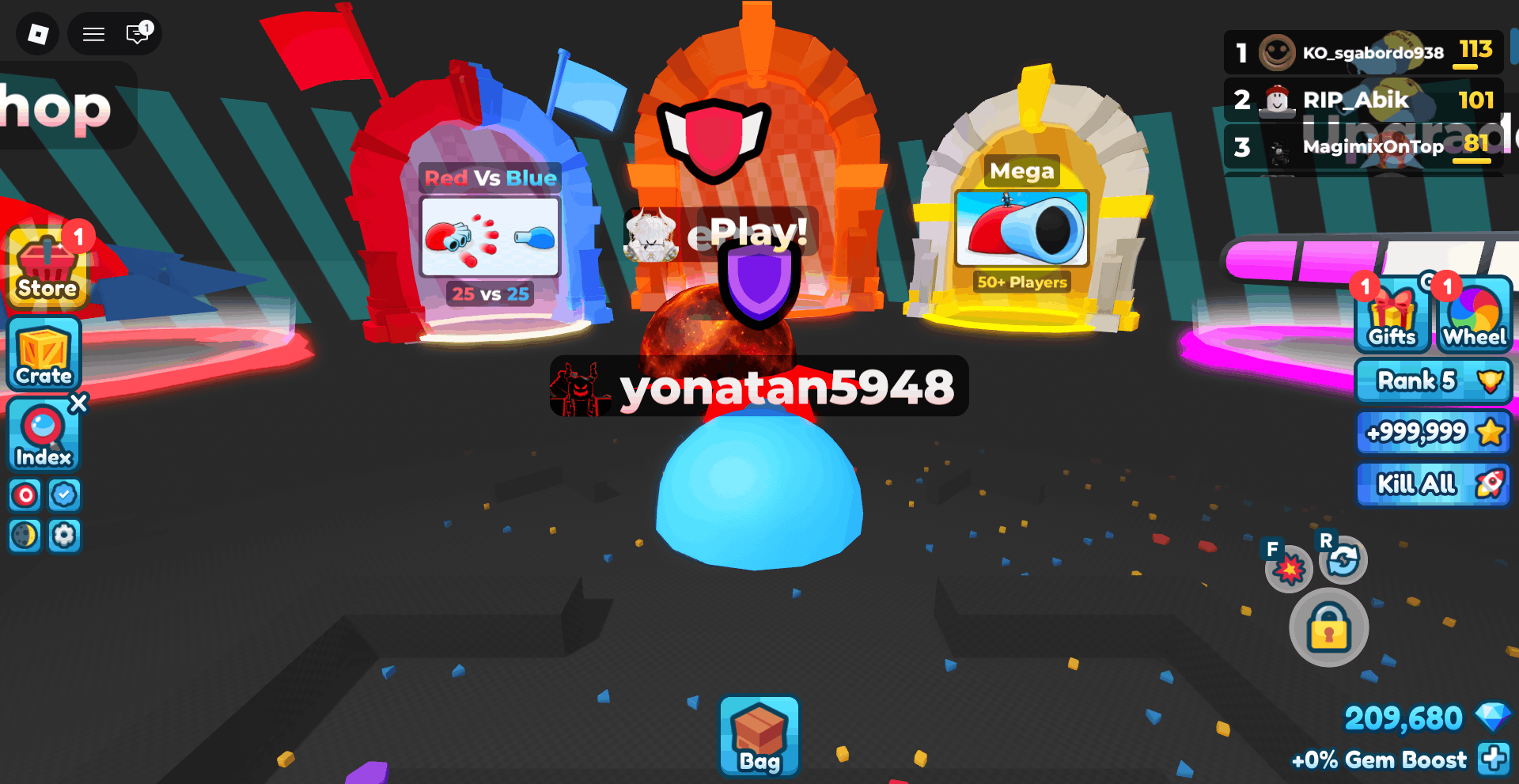
The lobby of Tank Game!
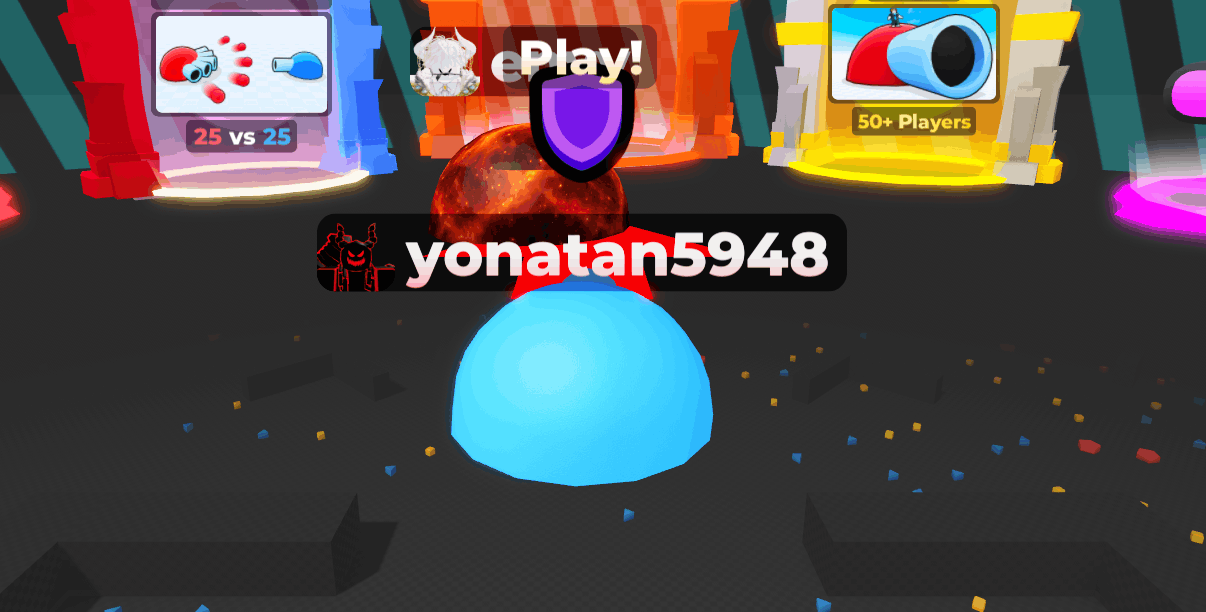
From that screen, you might think of checking for these screenshots:
❌ Bad!
This might be your first instinct, since to check if we’re in the lobby, we should check, well, the lobby.
But for your bot this is never going to work, because visually, the lobby will look vastly different from server to server, with multiple players that have different skins, all moving around. Remember pyrobloxbot is just comparing stuff pixel by pixel!
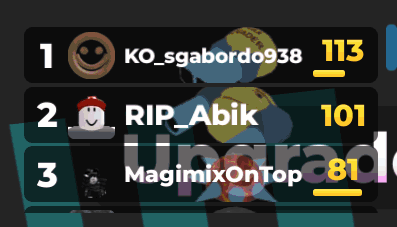
❌ Bad!
This is a step in the right direction, because the solution is checking gui elements, but it still won’t work for two reasons. One, obviously the leaderboard will also be different from server to server, with different usernames and avatars showing up.
Second, it is partially transparent, meaning if there’s anything different behind it, like a player, pyrobloxbot wont find it.

🆗 Okay!
This is a lot better, and in reality it will probably work most of the time. But notice that it is still transparent! Something could still change behind it, making our bot freeze until it finds the screenshot! Since we want to squeeze every bit of profit we can get, we can’t afford that!
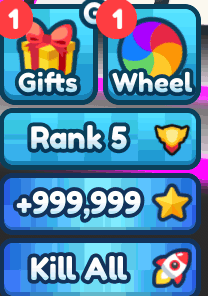
🆗 Okay!
This suffers from the same problem as the previous solution, to a much lesser extent, but it still does show a bit of what’s happening behind it.
In reality, you could just lower the confidence value a bit. But we can do better!

✅ Good!
Now this is almost perfect! Here, the screenshot only includes the gui element, and nothing else, meaning nothing else happening in the lobby will interfere with it!
There’s only one small problem. Notice that we’re checking for a button that says our rank. What if, for whatever reason, our rank changes while we’re afk? The bot will freeze indefinitely!
In reality, in the context of Tank Game! this probably would never happen.

✅ Good!
This is perfect! It includes only the gui element, with nothing else, but unlike the previous one, this button will realistically never change. This is what we’ll use for our bot!
Lets call the screenshot "index_button.png". Then, we can define the function for the first step of our bot:
def is_in_server():
    return bot.image_is_visible("index_button.png")

def join_server_and_wait():
    tank_game_id = 119789365111500
    bot.join_game(tank_game_id)

    while is_in_server():
        pass

    bot.wait_for_image("index_button.png")
Notice we first wait until we leave the previous server, then we wait to join the new server.
If your internet is fast enough, then you might join the new server fast enough that the bot thinks you never even left the first server. In this case, just remove the first while. For 99.99% of people though, this is the best way to do it.
Afking
Now for step 2, afking until we can collect the rewards.
We’ll actually need to decide how long to wait before server hopping. Lets assume we’re doing this for the diamonds rewards. Then we see that there are 3 rewards that give us diamonds:
Playtime |
Reward |
|---|---|
4 minutes |
1,250 diamonds |
11 minutes |
2,000 diamonds |
37 minutes |
3,500 diamonds |
We need to figure out which one will give us the best rates.
If we just wait for the 4 minute reward and server hop, we’ll get
\( \frac{1250}{4} = 312.5 \text{ diamonds/minute} \).
If we wait for the 11 minute reward, we’ll get
\( \frac{1250+2000}{11} \approx 295.45 \text{ diamonds/minute} \).
If we wait for the 37 minute reward, we’ll get
\( \frac{1250+2000+3500}{37} \approx 182.43 \text{ diamonds/minute} \).
So, if our goal is to get the most diamonds possible, we want to wait only for the 4 minute reward before server hopping.
So, lets write that:
import time

def move_for_4_minutes():
    start_time = time.perf_counter()
    while (time.perf_counter() - start_time) < 4*60:
        bot.walk_left(1)
        bot.walk_right(1)
So far, this what our bot is doing:
Collecting the rewards
Now all that’s left to do is step 3, collecting the rewards we waited for.
The sequence to open the rewards tab and collecting them looks like:
bot.ui_navigate("down", "click", "left", "left", "click")
But we might as well collect the other rewards that are less time.
So, we create the following function:
def open_tab_and_collect_rewards():
    bot.toggle_ui_navigation()
    bot.ui_navigate("down", "click", "left", "left", "click", "left", "click", "left", "click")
    # No need to toggle it back off, we're leaving the server right after
And now we just call everything in a loop (we’ll use the failsafe to turn off the bot)
while True:
    join_server_and_wait()
    move_for_4_minutes()
    open_tab_and_collect_rewards()
And our bot is done! Here it is working:
Extras
One fun feature we might add is showing how many diamonds we’ve farmed so far.
We can do that by doing something like:
total_diamonds = 0
while True:
    # The code for the bot

    total_diamonds += 1250
    print("Diamonds farmed:", total_diamonds)
This way, when you come back after a night of afking, you can stop the bot, look at the terminal and see this :)
...
Diamonds farmed: 122500
Diamonds farmed: 123750
Diamonds farmed: 125000
Diamonds farmed: 126250
Diamonds farmed: 127500
And that’s our bot completed!